.jpg)

Buy CS2 Commends Cheap & Fast CS2 Commendations
Buy CS2 commends to improve your Counter-Strike 2 profile reputation and Trust Factor. Our CS2 commend service adds real commendations to your account, helping your profile appear more established and trustworthy to other players while supporting a better Trust Factor. This service is designed for players who want to enhance their CS2 profile presentation safely and efficiently.
Choose Your CS2 Commends Package
Pick the number of commends that fits your profile goals. Every package uses the same process and the same delivery method, just at a different scale.

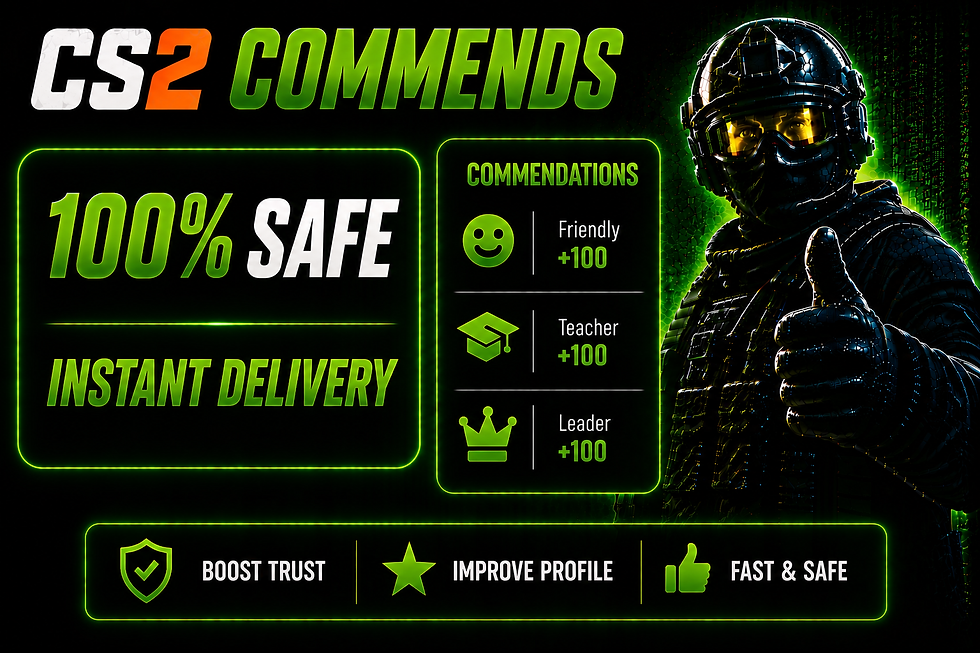

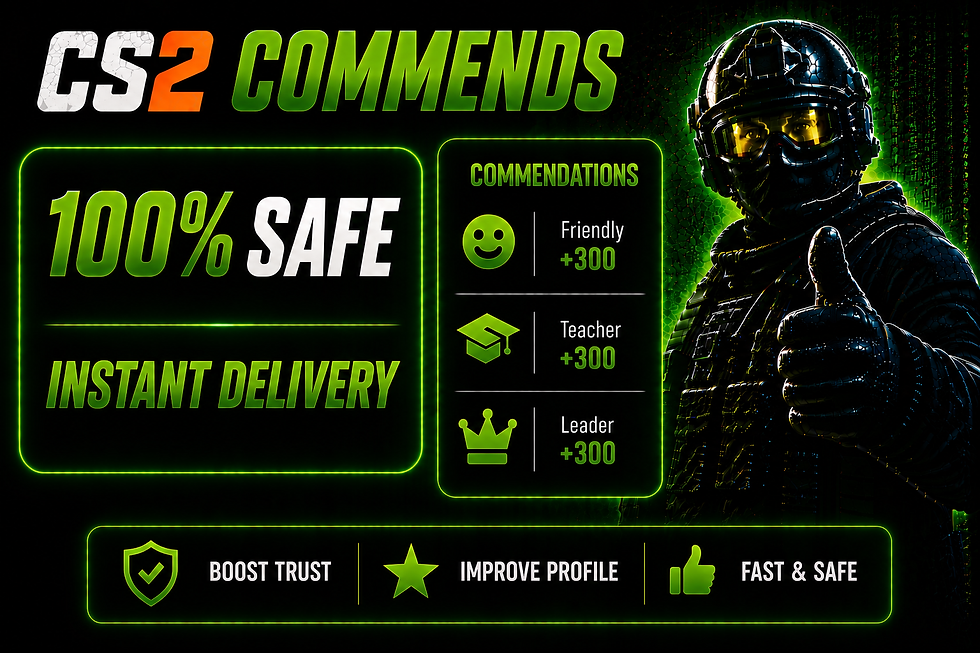

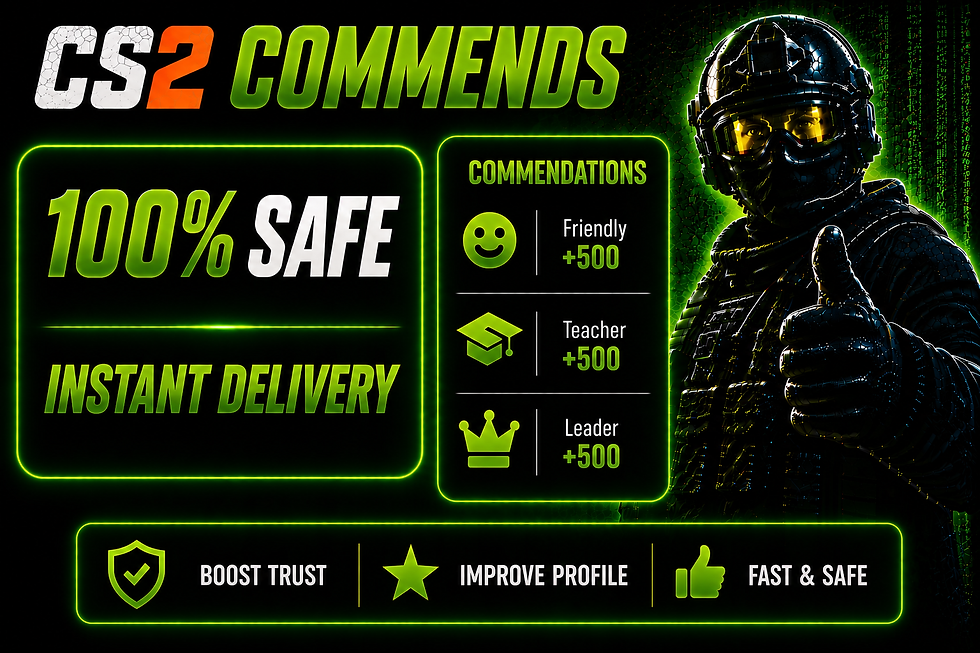

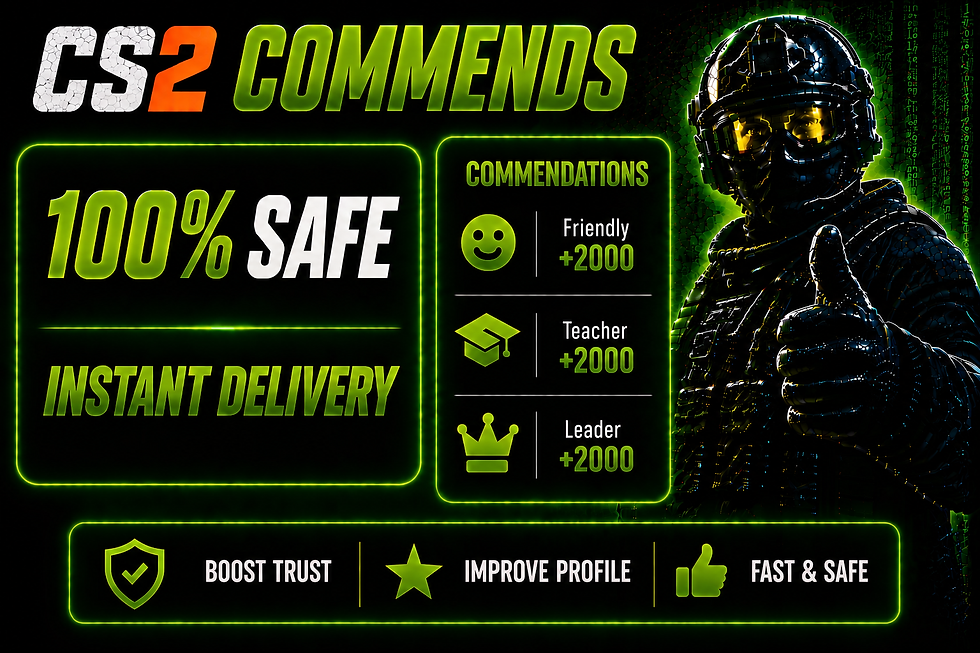
Cheap CS2 Commends Buy Online
CS2 commends are the small in-game commendations other players give you after a match, such as Friendly, Leader, or Teacher.
A higher number of commends on your profile can make it look more active and established, which can matter if you play a lot of matchmaking or join new communities.
If you are looking for cheap CS2 commends to buy online, our service adds these commendations to your Steam profile using real accounts, so you don't have to wait around and hope other players commend you naturally.
Commends work best on a complete profile, so you can also add comments, likes, and friends with our Steam profile services. Choose the package size that fits your budget below and get started in just a few minutes.
.webp)
How the CS2 Commends Service Works
The process is simple and only takes a few steps from payment to delivery, and you stay in full control the entire time. There's no waiting around for a support agent to set things up for you, once you place your order, everything runs through a simple control panel that you access yourself. Here's exactly what happens at each step.
Choose Your CS2 Commend Package
Pick the package size that fits your goals and complete your order.
STEP 1
Receive Your Instructions After Payment
Right after payment, you get a key sent to your email. This key gives you access to the cs2 commend bot control panel.
STEP 2
Enter Your Steam Profile
Log in to one of our servers and enter your Steam profile along with the number of commends you ordered. You never need to share your password, just your public profile.
STEP 3
Start the CS2 Commend Process
Click start and the commends bot takes over from there. You can watch the process happen in real time.
STEP 4
Receive Your CS2 Commendations
Commends are added to your profile every 6 minutes until your full order is delivered.
STEP 5
CS2 Commends Delivery Time
Delivery time depends on how many commends you order, since our bot adds commends at a steady, consistent pace instead of dumping them all at once. This keeps the process safe and reliable, and it means bigger packages simply take a bit longer to finish than smaller ones. Here's exactly what to expect once you start your order.
~100
Commends Per Hour
CS2 Commends Delivery Speed
After the payment, you will get a code with instructions to your email instantly, so there's no waiting to get started.
CS2 Commends Delivered Per Hour
Commends are added every 6 minutes, so you get roughly 100 commends per hour once the process starts.
CS2 Commends Delivery By Package Size
During the commend boosting process, 100 commends takes about 45 minutes, and bigger packages take longer since more commends need to be added at the same steady pace.
No Steam Account Details Required
This is one of the most common questions we get, so here's exactly how it works.
No Steam Password Required for CS2 Commends
You never give us your Steam password or login details at any point in the process.
Providing Your Steam Profile for CS2 Commends
You only enter your public Steam profile link into the bot control panel. That's all the bot needs to start adding commends.
Full Control Over the CS2 Commend Boost
You start the process yourself from the control panel, and you can see it running the whole time.

CS2 COMMUNITY
What Are CS2 Commends
CS2 commends are a way for players to recognize other Counter-Strike 2 players for good behavior, teamwork, communication, and sportsmanship during matches.
Categories of Commendations
Friendly
(Smiley Face)
Given to players who are respectful, positive, and enjoyable to play with.
Teacher
(Graduation Cap)
Given to players who are respectful, positive, and enjoyable to play with.
Leader
(Crown)
Given to players who are respectful, positive, and enjoyable to play with.
What Do CS2 Commends Do?
Discover how commendations shape your reputation and matchmaking environment.
Profile Badge
Your commendations are displayed on your Steam profile as numbers, giving other players an idea of your reputation within the CS2 community.
Trust Factor:
There is a common belief among players that having more commendations can support a better Trust Factor and potentially lead to a better matchmaking experience. However, Valve does not publicly reveal exactly how Trust Factor is calculated. Players also discuss automated services that increase commendation numbers, but using third-party services that request your Steam login information can put your account at risk.
Why Players Buy CS2 Commends
Counter-Strike 2 players buy commends to build up their profile faster than they would through normal matches, especially if they play solo or don't always get commended by teammates.
CS2 Commends and Trust Factor
Commends are one of several factors that can affect Trust Factor. Valve doesn't publish the exact formula, so we can't guarantee an outcome. However, a well-commended profile is generally seen as a positive signal.
CS2 Commends Safety Information
This is a fair question to ask before buying any third-party CS2 service, so here's a clear answer.
No Account Sharing Required for CS2 Commends
You only need your public Steam profile link, never your password or account access.
CS2 Commend No Ban Risk
Our process doesn't involve cheats, hacks or any third-party software on your own account, since the commends come from real accounts on our end. We haven't had customers banned for using this service.
CS2 Commendations Are a Normal Steam Feature
Commending other players is a normal, built-in Steam and CS2 feature. Our service simply uses real accounts to give you commends the same way other players would.
Risks With Third-Party Services
The main risk is sharing account details you do not need to share. Since our process never asks for your password, that risk does not apply here.
Why Buy CS2 Commends From CS2-Services?
There are a lot of commend services out there, so here's what actually sets ours apart and why players keep coming back for repeat orders.
01
No Steam Account Sharing for CS2 Commends
Some services ask for your full login before they'll start working on your profile. We never do that. You will have full control of commend boost.
02
Simple CS2 Commend Boost Process
You don't need any technical knowledge to use our service. Pick a package, get your code by email, log in to the control panel, and start the process yourself.
03
Multiple CS2 Commend Packages
Not every player needs the same number of commends. That's why we offer 8 package sizes, from 50 up to 2,000, so you can pick an amount that matches your actual goals instead of overpaying for commends you don't need.
04
Instant CS2 Commend Delivery
There's no long wait between paying and getting started. Your instructions land in your inbox instantly after payment, and once you begin, commends are added every 6 minutes at a steady, reliable pace.
05
CS2 Commend Customer Support
If anything is unclear or something doesn't go as expected, you're not left to figure it out alone. Reach us on Telegram, Discord or email and we'll help sort out your order, whether that's before you buy or while your commends are being delivered.
CS2 Commends Frequently Asked Questions
- 01
- 02
- 03
- 04
- 05
- 06
